🔍 Read the full analysis: Looking For An Ultrawide Monitor? 10 Picks For Gaming And Productivity In 2027 on ThorstenMeyerAI.com

Get hardware and tech essentials delivered free with Prime
- Fast, free delivery on millions of items
- Prime Video, Amazon Music and more included
- Member-only deals all year
TL;DR
A buyer’s guide from ThorstenMeyerAI.com compares 10 ultrawide monitors for gaming and productivity, from 34-inch WQHD models to 49-inch DQHD displays. Its recommendations emphasize matching screen size and refresh rate to your GPU, desk space and need for features such as USB-C power delivery.
ThorstenMeyerAI.com has published a 2027 guide to 10 ultrawide monitors for gaming and productivity, comparing models across display size, resolution, refresh rate and connectivity. The recommendations span 34-inch WQHD screens and 49-inch DQHD models, highlighting a central tradeoff: larger displays offer more workspace and peripheral vision, but need more desk space and graphics performance.
The guide names the Samsung 34-inch ViewFinity S50GC as its best overall pick, citing its WQHD resolution and connectivity as a balance for general use. It recommends the Samsung 49-inch Odyssey G9 for immersive gaming and describes the Deco Gear 49-inch as an option for buyers who want a large screen with USB-C power delivery. These are the guide’s assessments, not independent test results provided in the source material.
Other named options include the Dell S3425DW, the SANSUI 34-inch and the CRUA 49-inch. The guide says the Dell and Deco Gear can simplify laptop connections with USB-C power delivery, while the SANSUI and CRUA are among the high-refresh-rate models. It does not provide a complete list of all 10 picks, or detailed specifications, prices and test measurements for every model.
The article says its ranking considers visual fidelity, ergonomic practicality and connectivity, including resolution relative to screen size, stand adjustability and features such as USB-C and KVM switches. It advises matching resolution to display size: 34-inch WQHD and 49-inch DQHD are presented as the preferred pairings for readable text. Buyers should also check whether their computer can drive a high refresh rate at the monitor’s native resolution.
The 10 picks
- 1
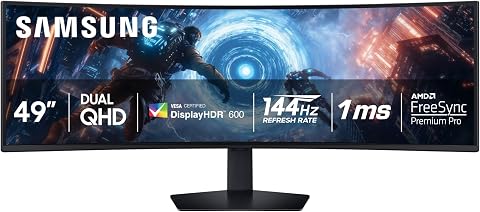 Samsung 49-Inch Odyssey G9 Curved DQHD Gaming Monitor, 144HzView on Amazon →
- 2
 CRUA 49-Inch DQHD Curved Gaming Monitor, 165HzView on Amazon →
- 3
 Deco Gear 49-Inch Curved Ultrawide Monitor, 5120 × 1440, 120 Hz, USB-C 65 WView on Amazon →
- 4
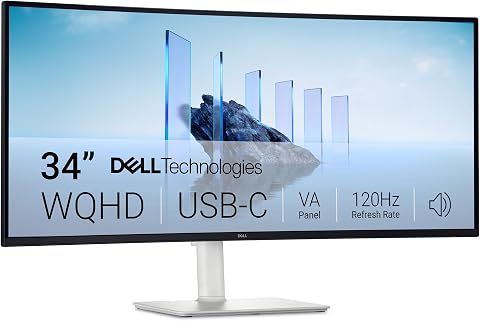 Dell S3425DW 34-inch Curved WQHD USB-C MonitorView on Amazon →
- 5
 Kado by Sceptre 2-Pack 34-Inch Curved Ultrawide Gaming MonitorsView on Amazon →
- 6
 Samsung 34-inch ViewFinity S50GC Ultra-WQHD MonitorView on Amazon →
- 7
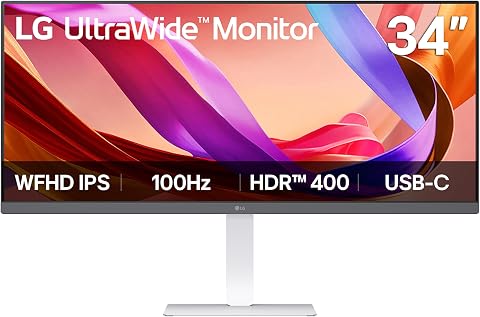 LG 34U530A-W 34-Inch UltraWide WFHD IPS MonitorView on Amazon →
- 8
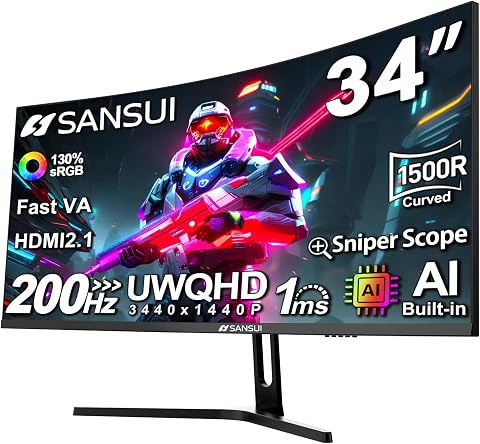 SANSUI 34-Inch Curved Gaming Monitor UWQHD 3440 x 1440P Up to 200Hz 165Hz Cur…View on Amazon →
- 9
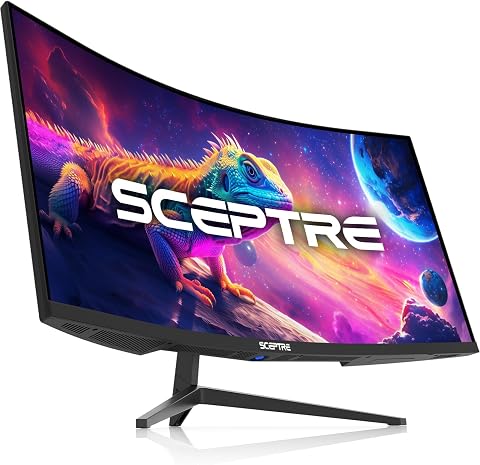 Sceptre 34-Inch Curved Ultrawide WQHD Gaming Monitor (C345B-QUT168 Series)View on Amazon →
- 10
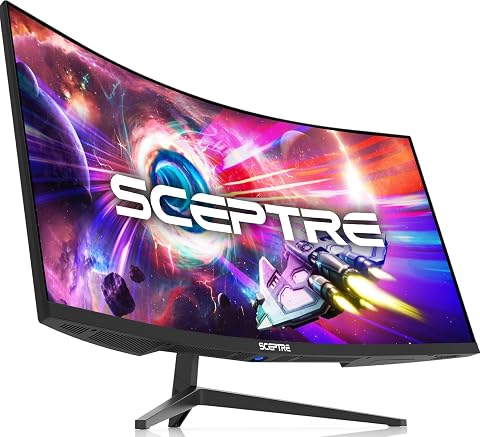 Sceptre 34-Inch Curved Ultrawide WQHD Gaming Monitor (C345B-QUT168)View on Amazon →
Choosing Between Desk Space and Immersion
The guide’s comparisons matter because ultrawide monitors can serve very different needs. A 34-inch WQHD display may suit office work and gaming without taking up as much space or demanding as much graphics power as a 49-inch screen. A 49-inch DQHD panel gives users more horizontal room for games and multiple windows, but its size can make desk fit and GPU capability deciding factors.
Connectivity can also shape the practical value of a monitor. With USB-C power delivery, some displays can carry a laptop’s video signal and charge it through one cable. A built-in KVM switch, where available, can let one keyboard and mouse control more than one computer. These features may help people who share a desk between work and personal systems, but the source does not confirm that every model in the guide includes them.
The recommendations should be treated as a starting point rather than a guarantee of suitability. The guide provides no current price comparisons or independently reported benchmark data, and factors such as panel quality, warranty and exact port specifications can affect a purchase decision.
Products Worth Considering

LG UltraGear 34GX90SA-W 34-inch WQHD Curved OLED Gaming Monitor

LG UltraGear 32GX850A-B 32-inch 4K UHD OLED Gaming Monitor

LG UltraGear 27G640A-B 27-Inch QHD IPS Gaming Monitor, 300Hz, 1ms, G-SYNC Compatible, FreeSync Premium, DisplayHDR 400
As an affiliate, we earn on qualifying purchases.
How the Guide Evaluates Ultrawides
The source frames the list around a common choice: immersive gaming versus everyday multitasking. Curved screens are common among the products discussed, with the guide distinguishing the Odyssey G9’s 1000R curve from gentler curves around 1500R. A tighter curve wraps the image more around the viewer; the guide presents less aggressive curvature as a possible fit for tasks that depend on straight lines.
Resolution and refresh rate are linked to hardware needs. The guide says WQHD means 3440 × 1440 for the 34-inch format, while DQHD is 5120 × 1440 for 49-inch models. It cautions that running demanding games at high refresh rates and high resolution requires a capable graphics card. Its stated selection criteria include pixel density, ergonomics and connections, but the source supplied here does not include a full methodology, product-by-product test results or a dated price snapshot.
“The 34-inch Samsung ViewFinity S50GC is the best overall choice.”
— ThorstenMeyerAI.com guide
Prices and Full Test Results
The supplied source does not identify the full set of 10 monitors promised by the title, nor does it give prices, publication date, retailer availability or complete specifications for each pick. It also does not provide test procedures, measured color performance, response times, warranty comparisons or independent verification of its rankings. Claims such as “best overall” and “unmatched” should therefore be understood as the guide’s judgments, not settled conclusions.
Specific model configurations and features can vary by region and product revision. The source does not say which GPU or game settings were used to assess performance, and its general comments about graphics requirements are not a guarantee that a particular computer will achieve a given frame rate.
Check Specifications Before Buying
Readers comparing these displays should verify the current price, resolution, refresh rate and port list on the manufacturer’s or retailer’s product page before purchasing. They should also confirm the monitor’s stand dimensions, VESA mounting support and USB-C charging capacity, then compare those details with their desk and laptop or desktop setup.
The guide gives no announced follow-up testing or update schedule. Prices and product availability may change, and the missing model-by-model details mean the full 10-monitor ranking cannot be independently assessed from the supplied material alone.
Key Questions
Which monitor does the guide recommend for most users?
The guide names the Samsung 34-inch ViewFinity S50GC as its best overall pick, citing its WQHD resolution and connectivity. That is the publisher’s recommendation, not an independently verified ranking in the supplied material.
Which models does it highlight for gaming?
It points to the Samsung 49-inch Odyssey G9 for immersion and lists the SANSUI 34-inch and CRUA 49-inch among high-refresh-rate options. Buyers should check each model’s exact refresh rate and whether their GPU can drive it at the native resolution.
Why choose a 34-inch monitor over a 49-inch model?
The guide describes 34-inch WQHD models as a balance of sharpness, desk footprint and graphics demands. A 49-inch DQHD monitor offers more horizontal space, but takes up more room and can require stronger graphics hardware, particularly for high-refresh-rate gaming.
What does USB-C power delivery add?
On supported models, USB-C can transmit video and charge a laptop through one cable. The guide identifies the Dell S3425DW and Deco Gear 49-inch as examples, but buyers should check the power-delivery wattage and port specifications for the exact model.
Does the source provide all 10 recommendations and their prices?
No. The supplied material names several monitors but does not include a complete 10-model list or current prices. It also does not provide product-by-product test results, so the full ranking cannot be checked from this source alone.
Source: ThorstenMeyerAI.com