
📊 Full opportunity report: Build vs Buy a Prebuilt AI Workstation on ThorstenMeyerAI.com — validation score, market gap, and execution plan.
TL;DR
The long-held belief that building a custom AI workstation is cheaper than buying prebuilt no longer holds in 2026 due to component shortages and price increases. Buyers must now compare costs directly. The decision involves trade-offs in cost, time, thermal management, and control.
In 2026, the long-standing financial advantage of building your own AI workstation has diminished, as component shortages and rising prices have made prebuilt systems competitively priced or even cheaper in some cases. This shift affects both hobbyists and professionals considering how to acquire high-performance AI hardware.
Traditionally, building a custom AI workstation was cheaper than buying prebuilt, primarily because DIY builders sourced individual components and assembled systems themselves. However, recent market developments have changed this dynamic. The global AI boom and resulting component shortages have driven up prices for key parts like GPUs, DDR5 RAM, and SSDs. As a result, a typical DIY build that previously cost under $1,000 now exceeds $1,250 before adding an OS license.
Meanwhile, prebuilt vendors such as BIZON, Puget Systems, and Lambda secured components in bulk before prices spiked, enabling them to offer systems at prices that are often comparable or even lower than DIY options today. These vendors also perform extensive thermal validation, burn-in testing, and cooling optimization, providing warranties and support that many DIY builders cannot match. For multi-GPU configurations, this validation becomes especially critical, as thermal and power management challenges grow more complex.
Therefore, the decision to build or buy now hinges less on cost alone and more on factors such as time, thermal management expertise, warranty, and control over customization. Building offers maximum control and upgradeability but requires significant time and knowledge, while buying provides plug-and-play convenience and validated performance.
Build vs buy
an AI workstation.
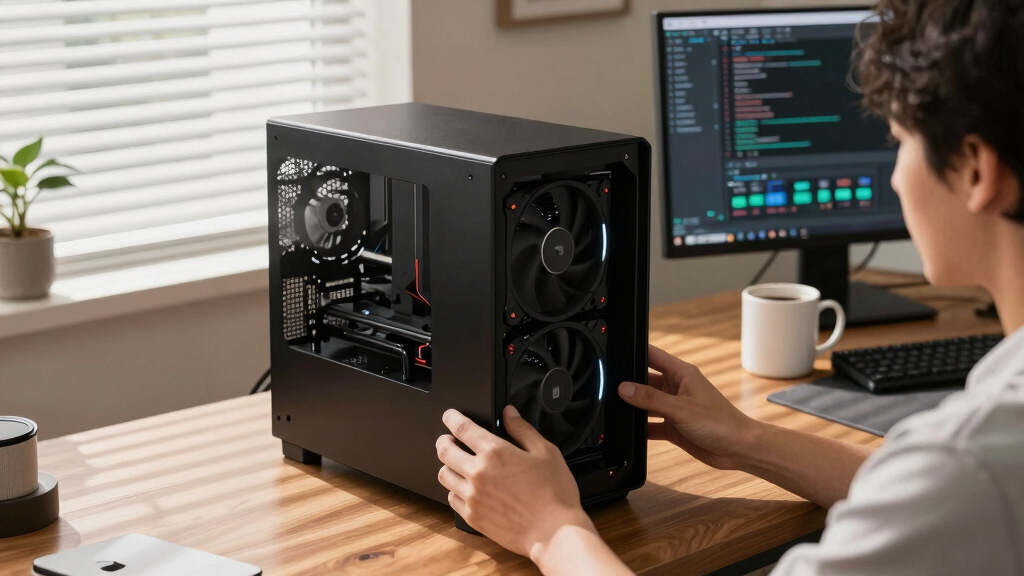
The real question behind this whole series: do you pull the five heat-and-noise levers yourself, or buy a prebuilt where the vendor pulled them for you? And in 2026, the old “building is cheaper” rule has broken. Match your situation in Part 3.
Why 2026 Changes the Build vs Buy Equation
This shift matters because many users who previously relied on DIY builds for cost savings now face comparable or higher costs when sourcing parts individually. The market's move toward bulk purchasing and the persistent component shortages have made prebuilt systems more attractive, especially for professionals needing reliable, high-performance AI workstations with validated thermals and support. The decision now involves balancing cost, time, thermal tuning, and support, rather than assuming DIY is always cheaper.

WIWB Gaming PC Desktop Core I9-14900HX, RTX 5060 Ti 8G, 1TB NVME SSD
- Powerful Processor: Intel Core i9-14900HX with 24 Cores
- High-Performance Graphics: GeForce RTX 5060 Ti 8GB GDDR7
- Fast Memory & Storage: 16GB DDR5 RAM with 1TB NVMe SSD
As an affiliate, we earn on qualifying purchases.
As an affiliate, we earn on qualifying purchases.
2026 Market Dynamics and Component Shortages
Over the past year, global supply chain disruptions and increased demand for high-end components have caused prices for GPUs, DDR5 RAM, and SSDs to spike. Historically, DIY builders could assemble a capable AI workstation for less than $1,000, but today, component prices have surged, making such builds more expensive. Conversely, vendors like Lambda and BIZON preemptively purchased components, enabling them to offer systems at prices that challenge DIY affordability. Additionally, these vendors perform extensive thermal validation, burn-in testing, and cooling optimization, providing warranties and support that are difficult for individual builders to match.
"The traditional rule that building is always cheaper no longer applies in 2026. Component shortages and bulk buying have shifted the landscape."
— Thorsten Meyer, AI hardware expert

GPU Kernel Engineering for LLM Inference: CUDA, Triton, and Flash Attention Optimization for High-Throughput AI Production Systems (AI Infrastructure, Hardware & Compiler Engineering Series)
As an affiliate, we earn on qualifying purchases.
As an affiliate, we earn on qualifying purchases.
Remaining Questions About Cost and Performance
While market trends favor prebuilt systems in terms of price and thermal validation, it remains unclear how long this situation will last. The extent to which DIY builders can still find affordable components or optimize their builds for thermal performance varies by region and market conditions. Additionally, the future availability of high-end components and the potential for further price fluctuations are uncertain.

NOVATECH AI Workstation Desktop PC – Intel Core i9-14900K, Liquid Cooling – Machine Learning, Data Science, 3D Rendering, Video Editing, Simulation (RTX 5080 | 64GB RAM | 2TB)
- High-Performance CPU: Intel Core i9-14900K processor
- Powerful GPU: NVIDIA RTX 5080 with 16GB VRAM
- Advanced Cooling System: Liquid cooling for optimal performance
As an affiliate, we earn on qualifying purchases.
As an affiliate, we earn on qualifying purchases.
Upcoming Market Trends and Buyer Considerations
In the coming months, market analysts expect component prices to stabilize or fluctuate further, influenced by supply chain developments and AI hardware demand. Buyers should continue to compare current prices for both DIY parts and prebuilt systems, considering their own thermal management skills, warranty needs, and time constraints. Vendors may also release new models with improved cooling and performance, impacting the decision-making landscape.
NOVATECH AI Workstation Desktop PC – Intel Core i9-14900K, Liquid Cooling – Machine Learning, Data Science, 3D Rendering, Video Editing, Simulation (RTX 5080 | 64GB RAM | 2TB)
- High-Performance CPU: Intel Core i9-14900K processor
- Powerful GPU: NVIDIA RTX 5080 with 16GB VRAM
- Advanced Cooling System: Liquid cooling for optimal performance
As an affiliate, we earn on qualifying purchases.
As an affiliate, we earn on qualifying purchases.
Key Questions
Is building my own AI workstation still cheaper in 2026?
Not necessarily. Due to component shortages and price spikes, prebuilt systems from vendors like BIZON or Lambda can now match or undercut DIY costs for similar configurations.
What are the main benefits of buying a prebuilt AI workstation?
Prebuilts offer plug-and-play convenience, validated thermals, comprehensive warranties, and support, saving time and reducing risk of thermal or performance issues.
Can I still customize and upgrade a prebuilt system later?
Many high-end prebuilt systems are designed for upgradeability, but the degree varies by vendor. Building your own offers maximum flexibility for future upgrades.
How do thermal management and noise levels compare between DIY and prebuilt systems?
Prebuilt vendors often perform extensive thermal validation and cooling optimization, resulting in quieter and more thermally stable systems, especially under sustained load. DIY systems depend on the builder's skill and choices.
What should I consider if I want a multi-GPU AI workstation?
Multi-GPU setups are more complex thermally and electrically. Vendors often validate these configurations extensively, while DIY builders must manage power delivery, cooling, and potential throttling carefully.
Source: ThorstenMeyerAI.com